Platform login
No matter your experience or investment goals, you’ll find the tools and support to put you in control.
Log in to Totality
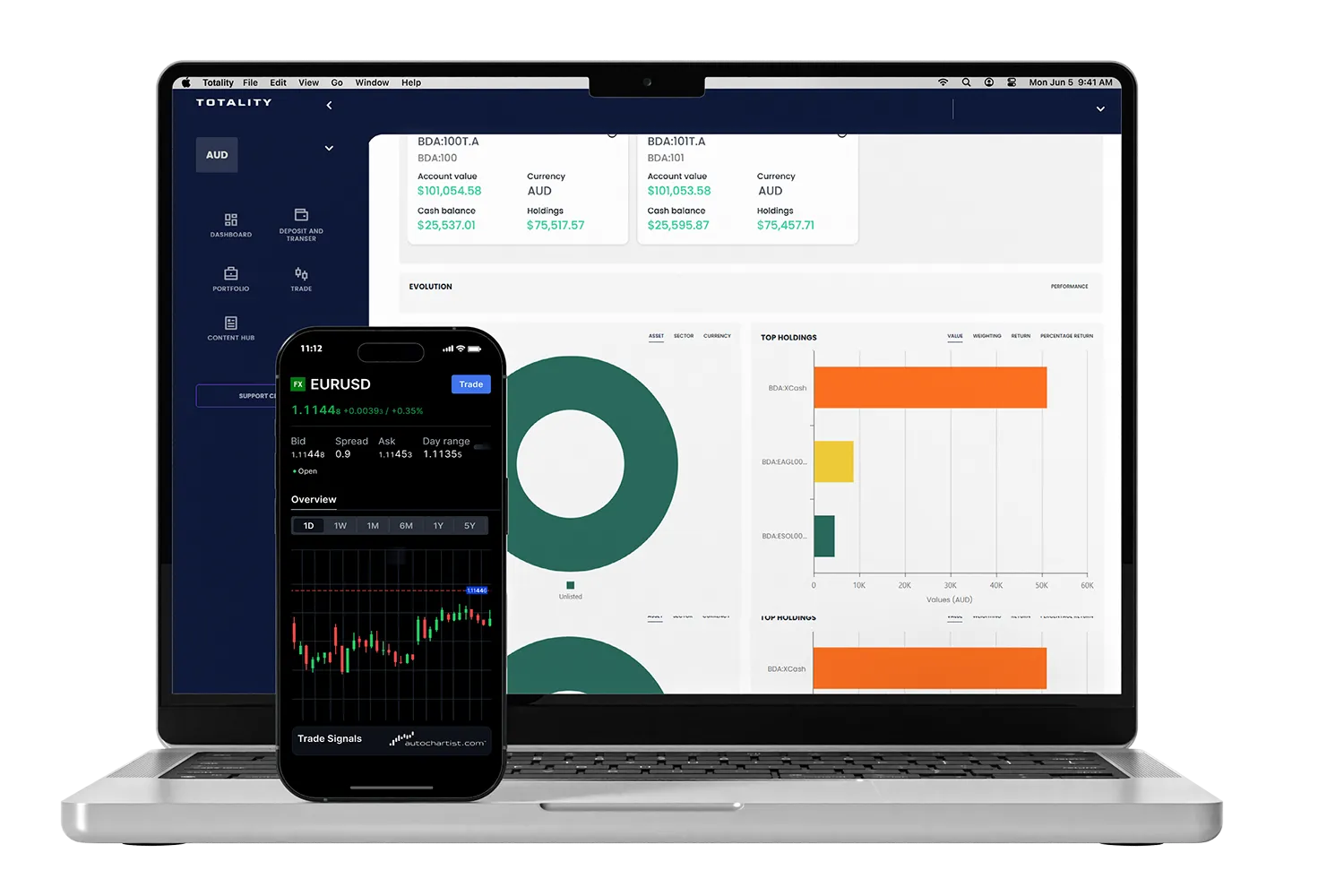
Direct access to your multi-asset trading platform.
For direct trading access to Totality Edge, login here.
For first time logins, view:
the first-time login guide for web browser users, or
the first-time login guide for mobile app users.
Downloads
Download Totality Core on mobile
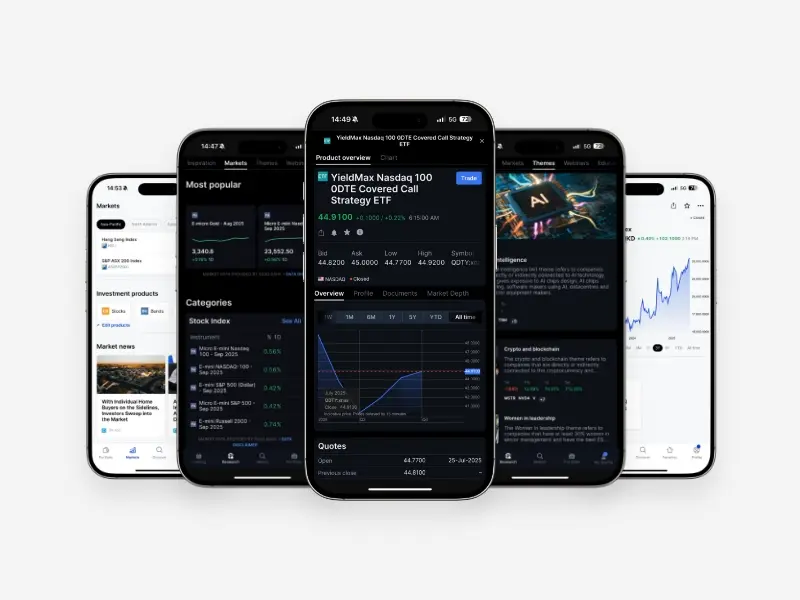


Download Totality Apex (SaxoTraderPro) for desktop
.webp)



Institutional-grade trading infrastructure powered by Saxo
Totality platforms are built on Saxo’s global trading infrastructure, providing deep liquidity, robust execution, and enterprise-level reliability trusted by financial institutions worldwide.


Totality is the Official Online Trading Partner of Sydney's Allianz Stadium
From bespoke matchday experiences to unrivalled networking opportunities, our partnership with Allianz Stadium puts Totality clients at the heart of the action.