How do I filter Trade Signals?
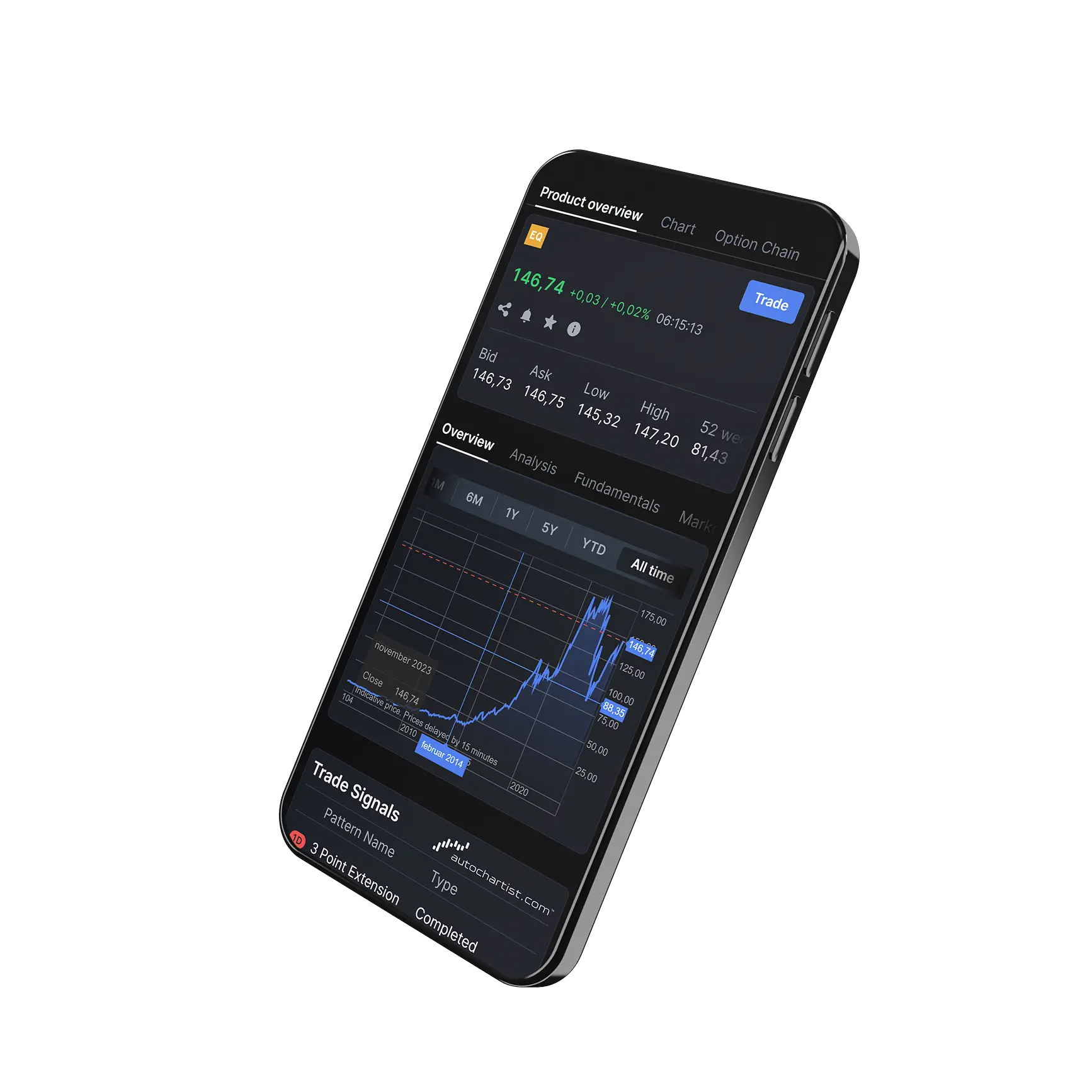
Trade Signals is a free tool available in Totality, powered by Autochartist technology. It automatically detects both emerging and completed patterns on stocks and CFDs across major global financial markets.
To access Trade Signals, go to Research > Trade Signals (located on the left side of the page).
- Filter signals by:
- Asset class
- Probability (using categorised ranges)
- Pattern type (via the Type column), including:
- Chart Patterns
- Key Levels
- Fibonacci Patterns
- Time interval
- Sort and Organise: Click on column headers to reorder displayed signals.
- Performance Tracking: A link to historical performance statistics is also available at the bottom left of the platform.
Take total control of your portfolio, today.
Trade smarter with Totality - formerly Saxo Australia. Join 1,000s of investors building global portfolios with low fees, local support, and world-class platforms.

Institutional-grade trading infrastructure powered by Saxo
Totality platforms are built on Saxo’s global trading infrastructure, providing deep liquidity, robust execution, and enterprise-level reliability trusted by financial institutions worldwide.


Totality is the Official Online Trading Partner of Sydney's Allianz Stadium
From bespoke matchday experiences to unrivalled networking opportunities, our partnership with Allianz Stadium puts Totality clients at the heart of the action.