How do I transfer stocks, ETFs, and bonds to and from Totality?
To transfer stocks, ETFs, and bonds to and from Totality, please follow the steps below:
Please note: To complete the transfer request you need to provide the following information:
- The Totality account you intend to transfer the securities to/from.
- Whether you want to transfer to or from Totality.
- The broker details of the sending/receiving bank/broker.
- The securities you intend to transfer (find them by searching in the search field).
- The number of securities and the price to be shown on the platform.
Step by step guide on how to transfer stocks, ETF's, and bonds to and from Totality.
Step 1) Please login to your Totality Core account.
Web page: Login Access here:
Apple Iphone App: Download here
Android Playstore App: Download here
Step 2) Go to Support Centre → Forms → Asset Transfer Request -> New asset transfer requests

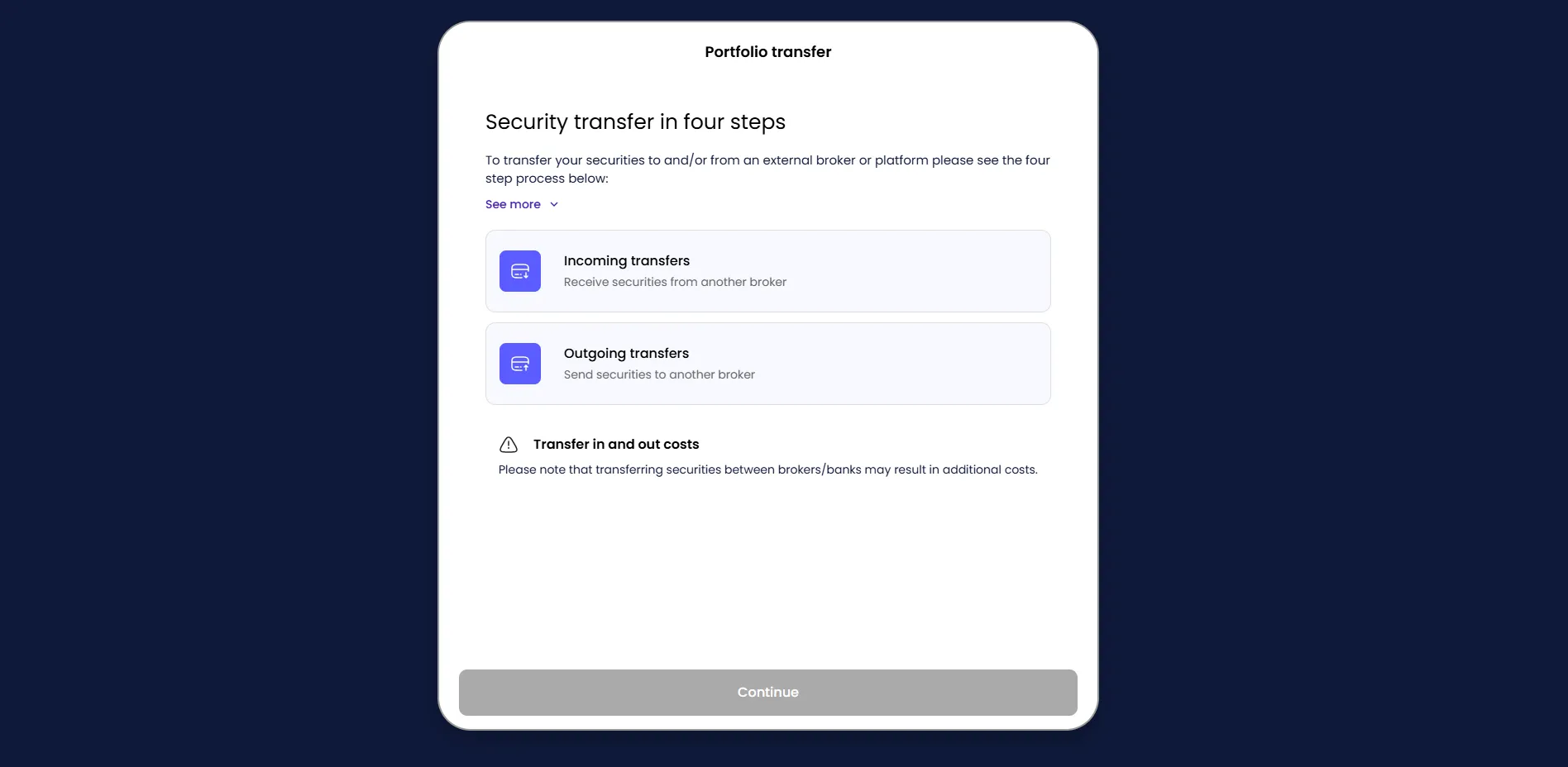
Step 3 By clicking "New Asset Transfer Request" the following pop-up message will appear. Please click "CLICK HERE" to continue.

Step 4)
For Incoming Transfers -> Please click "Incoming Transfers" and complete the form.
For Outgoing Transfers -> Please click "Outgoing Transfers" and complete the form.
Need Help?
Send us an email:
enquiries@totality.com.au
Give us a call:
+61 2 8267 9000
Take total control of your portfolio, today.
Trade smarter with Totality - formerly Saxo Australia. Join 1,000s of investors building global portfolios with low fees, local support, and world-class platforms.
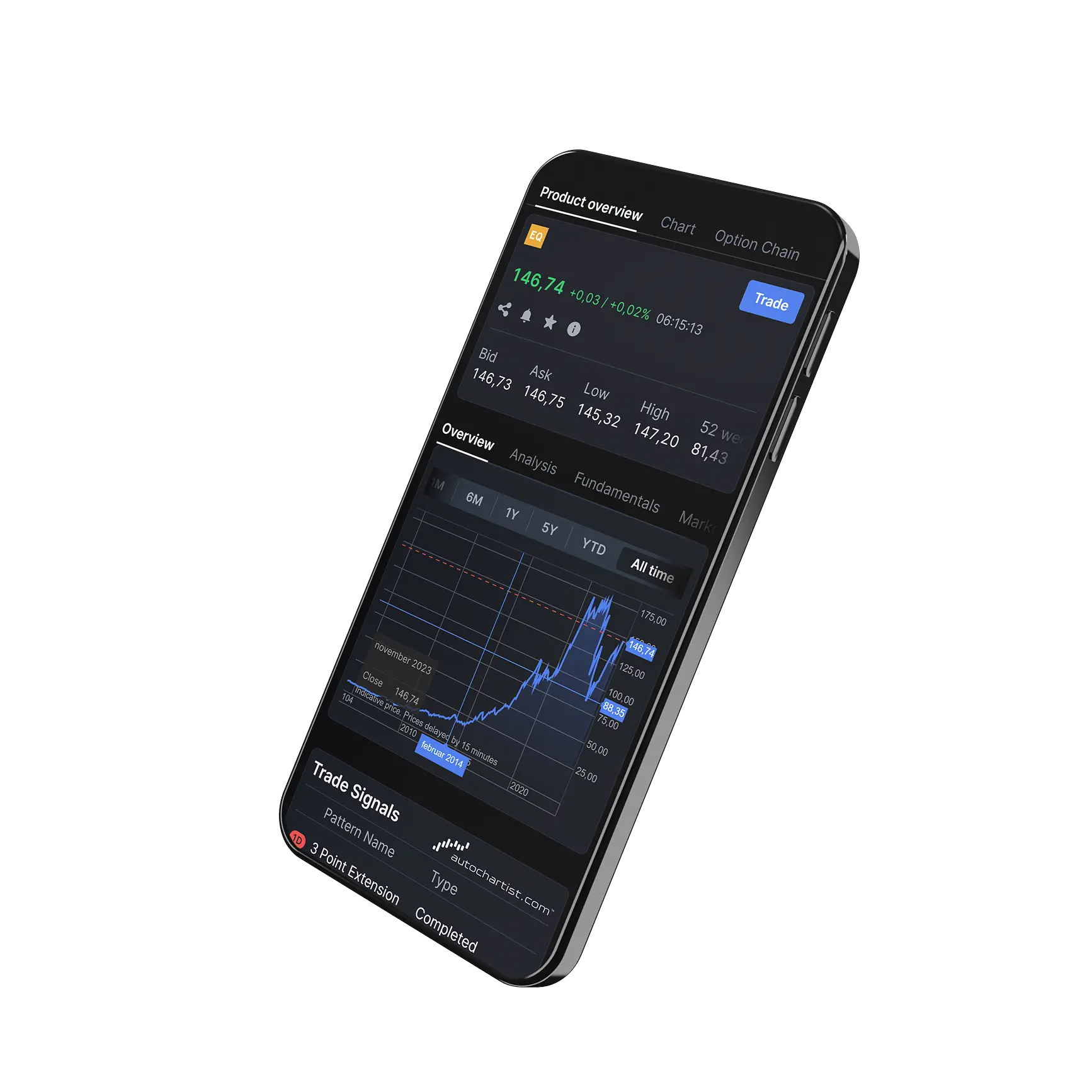

Institutional-grade trading infrastructure powered by Saxo
Totality platforms are built on Saxo’s global trading infrastructure, providing deep liquidity, robust execution, and enterprise-level reliability trusted by financial institutions worldwide.


Totality is the Official Online Trading Partner of Sydney's Allianz Stadium
From bespoke matchday experiences to unrivalled networking opportunities, our partnership with Allianz Stadium puts Totality clients at the heart of the action.