Where can I view and download my Financial Year report?
From the 2025-2026 tax year, to access and download your financial year report, please follow the below steps by logging into the Totality web platform:
- Log into the Totality web platform.
- Select 'Reports and statements' in the left-hand navigation panel.
- Select the relevant Totality account and financial year.
For prior tax years, this report was previously named as the “Annual Tax Statement”. To access and download the annual tax statement report, please follow the below steps by logging into the Totality web platform and navigating to the Edge trading environment. Once in this space:
- Select the profile icon in the top-right corner of the page.
- Select the 'Annual Tax Statement' tab.
- Select the relevant year and report type.
- Click 'Download'.
Key points to note:
1. What is the Financial Year Report?
The Financial Year Report includes details such as interest earned on funds, dividends received, and any other taxable income for a financial year. The document reports income related to a client's Totality account. Additionally, the last section of the report includes trades on ASX-listed instruments in the financial year that have been reported to the Australian Tax Office (ATO).
2. What is included for HIN-enabled Totality accounts?
For HIN-enabled accounts, income earned from ASX-listed stocks and ETFs will not be included in the Financial Year Report. Such information will need to be obtained in reports from corresponding registrars. Example registrars are Automic Group, Boardroom, etc. Similar to full custody accounts however, income earned from overseas listed stocks and interest from cash will be included in the Financial Year report.
3. How can a client obtain capital gains/losses information for the tax year?
The closed positions report can be used. Access this report via the Edge trading environment.
Take total control of your portfolio, today.
Trade smarter with Totality - formerly Saxo Australia. Join 1,000s of investors building global portfolios with low fees, local support, and world-class platforms.
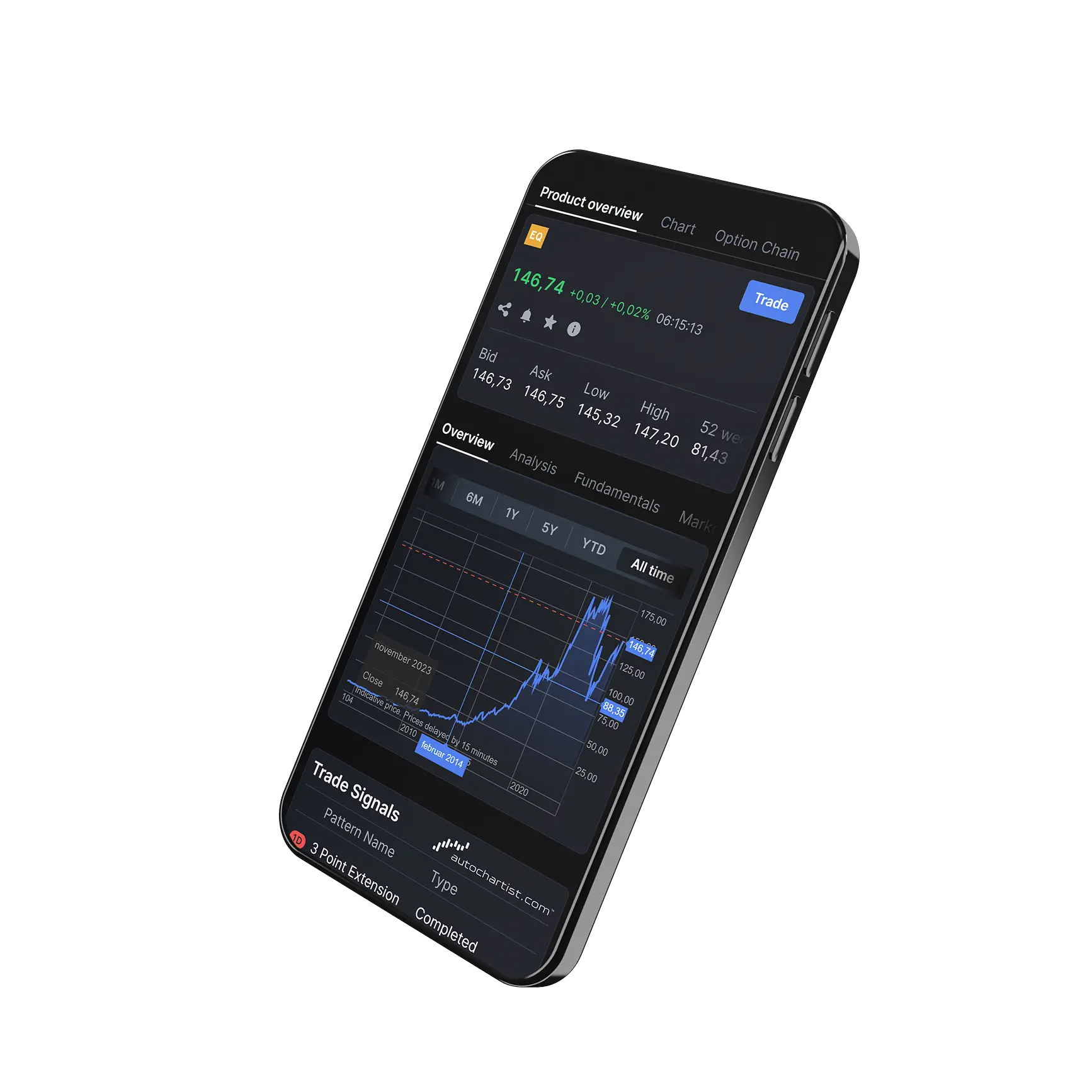

Institutional-grade trading infrastructure powered by Saxo
Totality platforms are built on Saxo’s global trading infrastructure, providing deep liquidity, robust execution, and enterprise-level reliability trusted by financial institutions worldwide.


Totality is the Official Online Trading Partner of Sydney's Allianz Stadium
From bespoke matchday experiences to unrivalled networking opportunities, our partnership with Allianz Stadium puts Totality clients at the heart of the action.